Stuck on Your Canva Project? Let’s Get You Unstuck!
Bring your design vision to life with one-on-one Canva guidance. Whether you’re creating a journal, coloring book, planner, or digital product, I’ll help you polish your layout, fix design frustrations, and finish strong.
What’s Included
Each Canva Help Session Includes:
-
Personalized design feedback and quick fixes
-
Step-by-step guidance through your Canva challenges
-
Tips for choosing fonts, colors, and layout balance
-
Help finishing or refining your existing project
-
Optional: Canva tool walkthroughs for beginners
You’ll leave your session feeling confident, equipped, and ready to create like a pro.
How It Works
1️⃣ Fill Out the Form
Tell me what you’re working on and where you’re stuck.
2️⃣ Share Your Project
Upload or share your Canva design link so I can prepare before our call.
3️⃣ Get Expert Help
We’ll meet for a live session where I walk you through solutions, creative ideas, and practical fixes.
✨ Bonus: You’ll also receive a few design tips you can use on your future projects!
Who It’s For
This service is perfect for:
-
Small business owners or Etsy sellers
-
Teachers, homeschoolers, and creators
-
Faith-based entrepreneurs and designers
-
Anyone feeling stuck or overwhelmed in Canva
If you’ve hit a wall, this session will help you move forward with clarity and creativity.
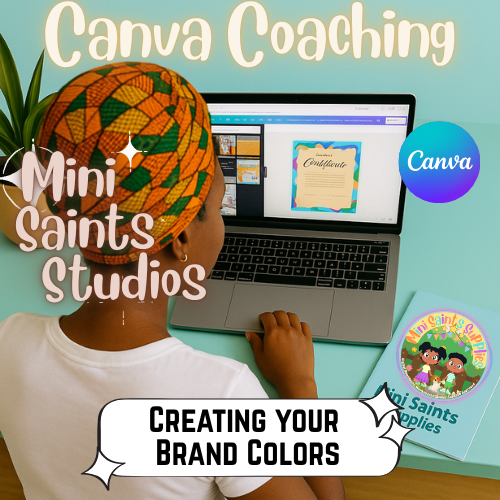
In this video, I’ll show you how to use ChatGPT to find the perfect brand colors for your Canva projects!
No graphic design experience needed — just creativity and a few easy steps!
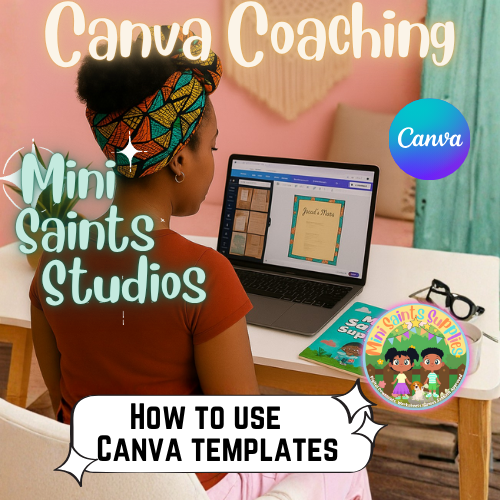
In this video, I’ll show you how to use a Canva template to bring your project to life — step by step.
This walkthrough will help you understand how to customize templates, change colors, and make your design your own.
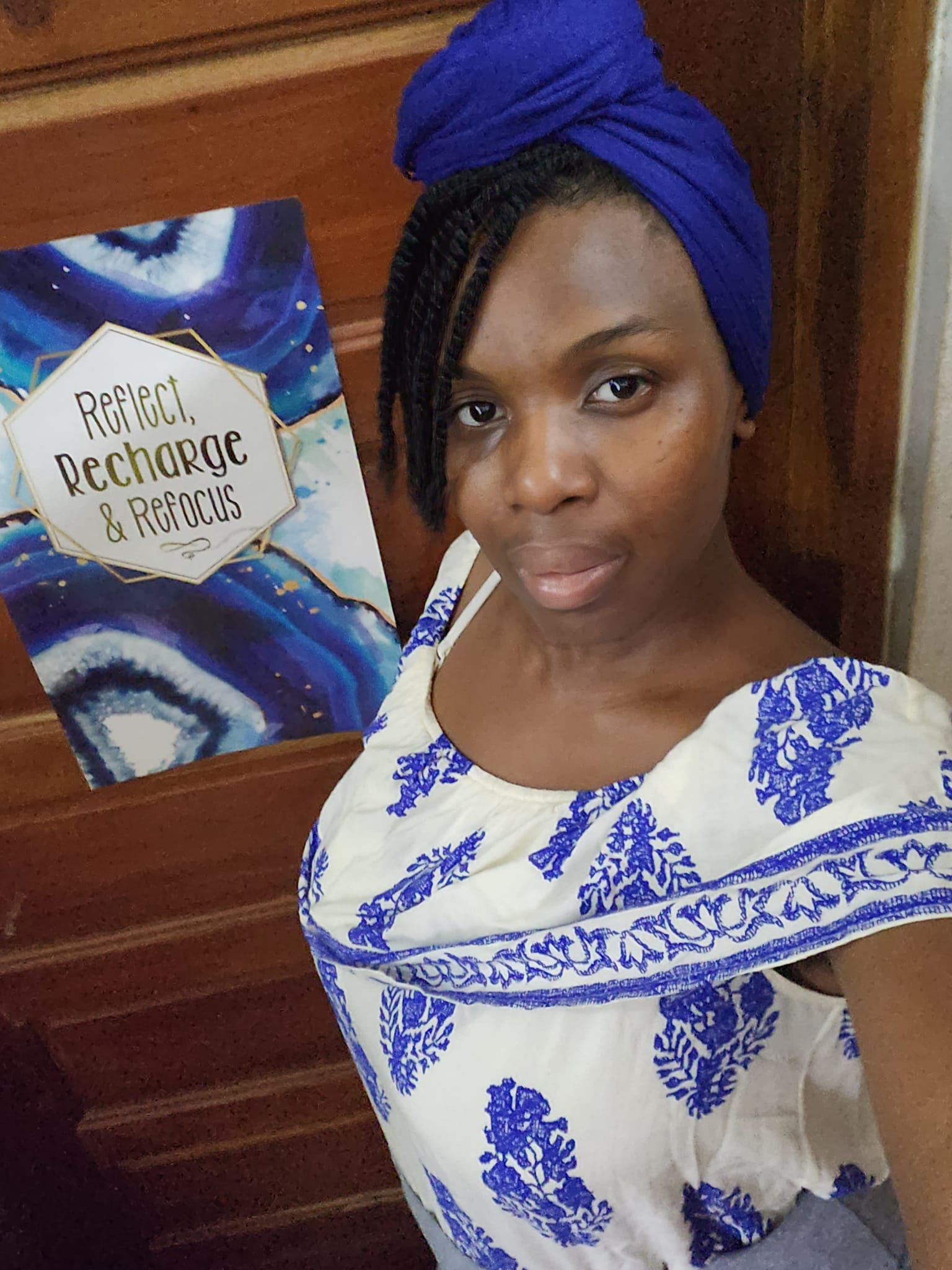
About Your Designer
Hi, I’m Keturah, founder of Mini Saints Supplies.
I’ve created hundreds of digital projects — from coloring books to activity journals, I know how frustrating it can be to hit that “stuck” moment.
Click here to see my portfolio
That’s why I started offering Canva guidance sessions — to help other creators, small business owners, and believers overcome design blocks and finish their work with confidence.
FAQ Section
How long is a session?
Sessions are typically 30 or 45- 60 minutes, depending on your project and needs.
Do I need Canva Pro?
No! You can use either the free or Pro version — I’ll work with what you have. ( it is advised to have Pro)
Pricing
Quick Fix Session — $25
30-minute session to address one project or problem area.
Deep Design Session — $45
45–60 minute session with in-depth walkthrough, feedback, and tips for improvement.
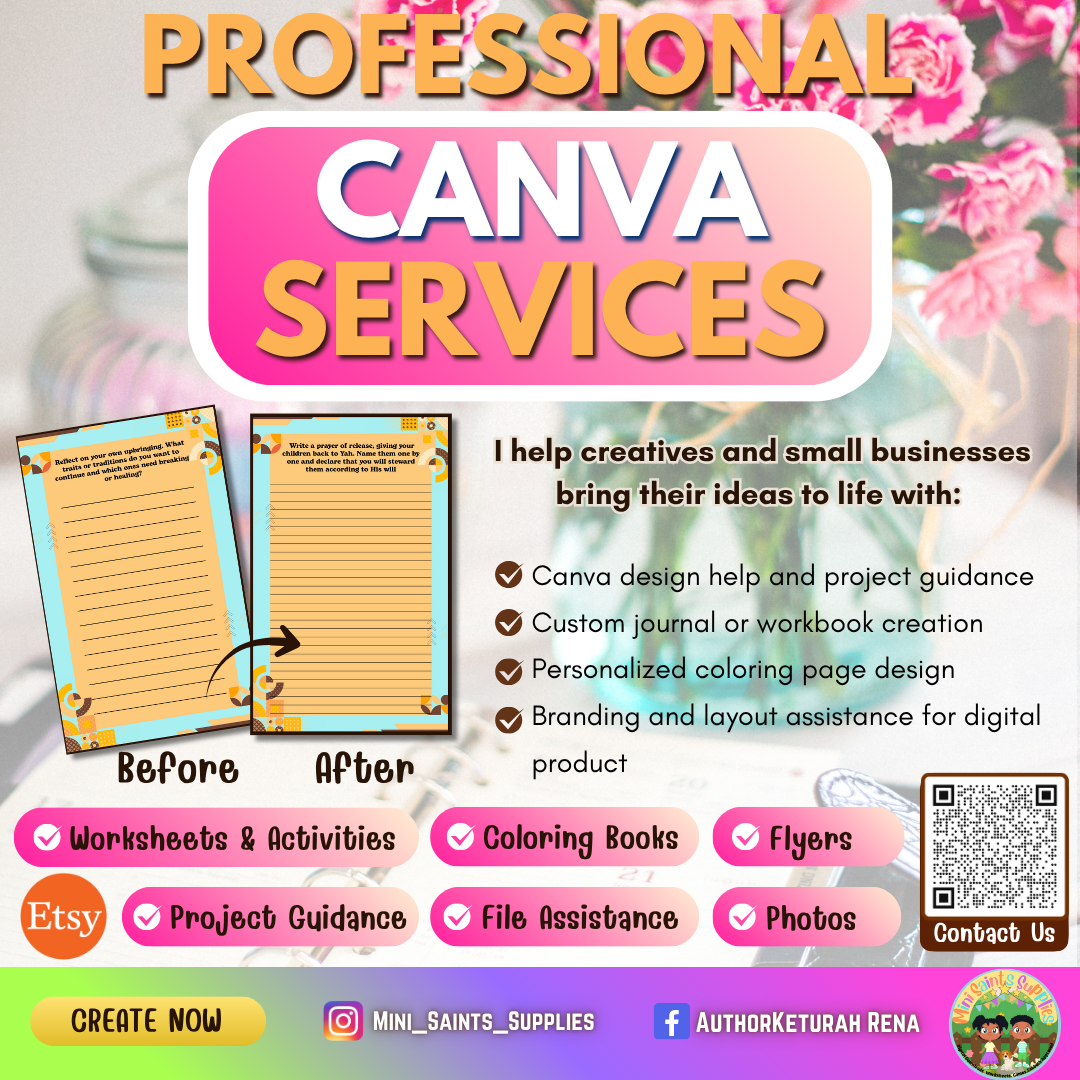
Need Help with Your Canva Project?
Stuck in the middle of a design or can’t quite get your layout right? I offer one-on-one Canva guidance to help you overcome creative roadblocks, polish your project, and bring your vision to life. Whether you’re working on a journal, coloring book, or digital design, we’ll get you unstuck — fast and professionally.
You’re All Set!
Thank you for booking your Canva consultation!
Your spot has been reserved, and help is on the way.
You’ll receive a confirmation email shortly with your session details and a few questions to help me prepare for your project.
I’m excited to work with you and help bring your creative vision to life — whether it’s a coloring book, journal, or design in progress, we’ll make it shine!
Commit thy works unto Yahuah, and thy thoughts shall be established.
— Proverbs 16:3
Next Steps:
- Check your email for confirmation and meeting link
- Gather your Canva project or ideas
- Submit an inquiry form
- Explore My Shop
______________________________________________________________________________________
Have a great day!
